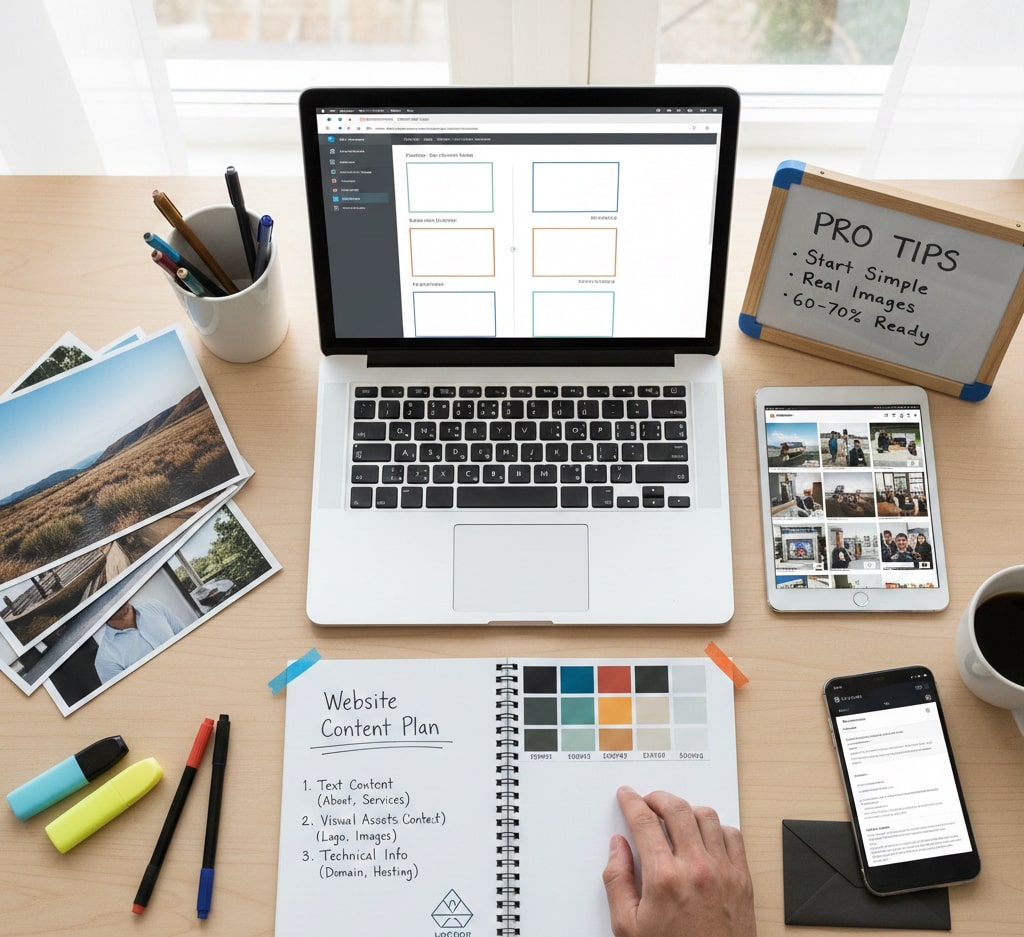
Începerea unui nou proiect de website este entuziasmantă, dar unul dintre cele mai frecvente motive pentru care proiectele încetinesc este simplu: conținutul nu este pregătit. Pregătirea conținutului în avans ajută proiectul să rămână în termen, reduce reviziile și duce la un rezultat final mai bun.
Acest ghid te ajută să înțelegi ce conținut ai nevoie înainte să începem și cum îl poți pregăti eficient.
De ce contează pregătirea conținutului
Website-ul se construiește în jurul conținutului, nu invers. Textele clare, imaginile potrivite și câteva decizii tehnice de bază fac procesul de design și dezvoltare mult mai fluid.
Când conținutul lipsește sau este neclar, proiectele durează mai mult, costurile cresc și deciziile importante se amână. Pregătirea majorității conținutului de la început creează claritate și ritm încă din prima zi.
Ce ai nevoie înainte să începem
1. Textele pentru website
Textul este fundația website-ului. Le spune vizitatorilor cine ești, ce faci și de ce ar trebui să te aleagă.
Ar trebui să pregătești:
- Secțiunea despre tine/companie: cine ești, ce faci și ce te diferențiază (2-3 paragrafe scurte)
- Servicii sau produse: descrieri clare și simple despre ce oferi și pentru cine este oferta
- Informații de contact: adresă de email, număr de telefon, adresă de business și linkuri relevante de social media
- Pagini legale: politică de confidențialitate și termeni și condiții, dacă sunt necesare pentru afacerea sau regiunea ta
Nu urmări perfecțiunea în această etapă. Conținutul clar și sincer este mult mai eficient decât un limbaj de marketing prea lustruit.
2. Elemente vizuale și branding
Conținutul vizual are un rol major în cât de profesionist și credibil pare website-ul. Pregătirea acestor materiale din timp ajută la păstrarea unei identități coerente pe tot site-ul.
Logo și branding
- Logo în format vectorial (SVG, AI sau EPS)
- Culorile brandului, cu coduri hex
- Fonturile pe care vrei să le folosești, dacă ai preferințe
Imagini și media
- Imagini la rezoluție mare (cel puțin 1920px lățime)
- Imagini de produs sau screenshoturi
- Fotografii cu echipa, dacă este cazul
- Imagini de fundal sau lifestyle
Imaginile autentice funcționează de obicei mai bine decât fotografiile stock generice. Imaginile stock pot fi folosite temporar, dar vizualurile reale construiesc mai multă încredere.
3. Informații tehnice
Chiar și website-urile simple depind de câteva decizii tehnice. Claritatea aici evită surprizele de ultim moment.
Pregătește următoarele:
- Detalii despre domeniu, dacă ai deja unul
- Preferințe de hosting, dacă există
- Conturile de email care trebuie configurate
- Integrări externe, precum analytics, sisteme de plată, instrumente de rezervare sau newslettere
Dacă nu ești sigur în legătură cu aceste puncte, te pot ghida pe parcursul proiectului.
Sfaturi practice pentru rezultate mai bune
- Începe cu esențialul: nu trebuie să ai totul finalizat. Putem rafina conținutul pe măsură ce construim site-ul.
- Păstrează lucrurile simple: paragrafele scurte și clare funcționează mai bine decât blocurile lungi de text.
- Gândește-te la publicul tău: scrie pentru oameni reali, nu doar pentru motoare de căutare.
- Folosește imagini reale când poți: vizualurile autentice cresc credibilitatea și implicarea.
Cum te pot ajuta
Dacă nu ai tot conținutul pregătit, este perfect normal. Te pot ajuta pe parcurs cu:
- structură de conținut și layout pentru pagini
- texte temporare acolo unde este nevoie
- surse sau selecție de imagini
- ghidare clară și eficientă la fiecare pas
Concluzie
Cele mai reușite proiecte de website încep cu obiective clare și conținut pregătit. De obicei, dacă ai aproximativ 60-70% din conținut gata înainte să începem, putem avansa cu încredere.
O pregătire bună duce la decizii de design mai bune, livrare mai rapidă și un website care funcționează eficient pentru afacerea ta încă din prima zi.